



5 Best Accounting Software for Lawyers
Running a law firm means more than legal work. Money tracking matters every single day. The right accounting software keeps your books clean and stress low. You stay ready for audits, taxes, and client trust rules. If you are wondering about which accounting software is best for your legal company, worry not. In this post I’ll talk about some best accounting software made for lawyers.
Best accounting software for lawyers includes QuickBooks Online, Clio, Xero, and FreshBooks. These tools track income, expenses, and trust funds. They keep client money separate, support billing, and create clear reports. This helps you avoid errors and follow legal rules.
Now let’s review each software in detail. You will see key features, best use cases, and which type of law firm each option fits best.
Why Do Lawyers Need Special Accounting Software?
Law firms need special accounting software because client money follows strict rules. You must keep trust funds separate, track every dollar, and prove accuracy anytime. Legal software protects you from errors, supports audits, and keeps records clean, clear, and ready when questions arise.
Client trust accounts demand exact tracking every day. One small mix-up can trigger fines or ethics trouble. Legal accounting software records each deposit and payment clearly. You always know which funds belong to clients and which belong to your firm, without guesswork or risky shortcuts.
Legal billing adds another layer of pressure. You track time, rates, and expenses for each matter. Basic tools miss these details. Legal software links time entries to bills, reduces missed charges, and shows clients clear invoices that match the work you performed.
Regular accounting tools fail because they ignore legal rules. They lack trust reports, matter tracking, and audit trails. Legal-focused software fills these gaps. You work faster, stay compliant, and reduce stress, while your books stay accurate and ready for review at any time.
Key Features to Look For
Choosing the right accounting software keeps your law firm safe and organized. You need tools that protect trust funds, link time with billing, and show clear reports. Strong features cut errors, save hours each week, and keep you ready for audits, taxes, and reviews. The features below show what matters most when you compare accounting software made for lawyers.
- Trust accounting and client ledger: Keeps client funds separate and tracks every balance clearly. You stay compliant and avoid costly mistakes.
- Time tracking with billing: Links work time directly to invoices. You bill accurately and avoid missed or lost hours.
- Invoicing and income tracking: Creates clear invoices and tracks payments and expenses in one place. You see cash flow fast.
- Bank feeds and transaction records: Syncs bank activity automatically and records every transaction. You reduce manual entry and errors.
- Reports and tax-ready data: Shows simple reports for firm health and prepares clean data for tax filing and audits.
- Audit trail and access controls: Tracks every change and limits access by role. You keep records secure and easy to review.
- Customer support and help access: Provides guidance when issues appear. You get answers fast and avoid workflow delays.
Strong features keep your firm compliant and steady. The right software gives you control without added stress. You spend less time fixing issues and more time helping clients, while your books stay clean, accurate, and ready for review all year.
1. QuickBooks Online for Law Firms
QuickBooks Online fits many law firms because it handles daily accounting with ease. You can use it to track income, expenses, and bank activity in one place. You get clear records, steady control, and fewer errors while staying ready for reviews and tax work.
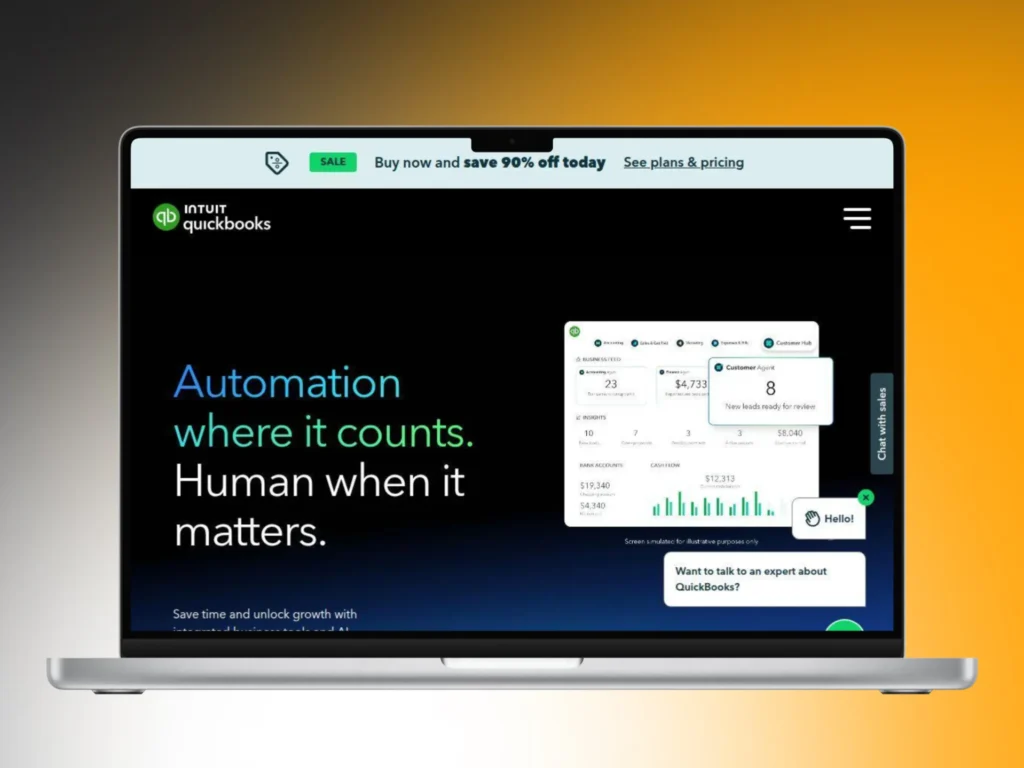
Income and expense tracking stays simple and accurate. You connect bank feeds and review entries fast. Add-ons support trust accounting, so client funds stay separate from firm money. You always see balances clearly, which helps you avoid mistakes and follow legal rules with confidence.
Reports stay clean and easy to read. You are able to pull profit, expense, and cash views in minutes. Many professional bookkeepers already know this software, which speeds setup and support. Small and mid-size firms benefit most because the system stays flexible as your practice grows.
2. Clio with Accounting Tools
Clio works best for firms that want legal work and billing in one system. Lawyers can use it to manage matters, track time, and handle billing together. You see client balances clearly, reduce errors, and keep trust records aligned without extra steps.

Billing and time tracking stay connected to each matter. You enter time once and apply it to invoices easily. Client charges stay clear and easy to explain. This setup reduces missed hours, limits manual entry, and helps you get paid faster with fewer billing questions.
Trust records stay visible and organized at all times. You check client balances at a glance and avoid mixing funds. Accounting links reduce repeat work across systems. Firms that want legal tasks and billing tools together gain better control and smoother daily workflows.
3. Xero for Legal Accounting
Xero works well for law firms that want clean and simple accounting. You may use it to track income, expenses, and bank activity in one view. You get fast updates, clear numbers, and steady control without dealing with cluttered screens.
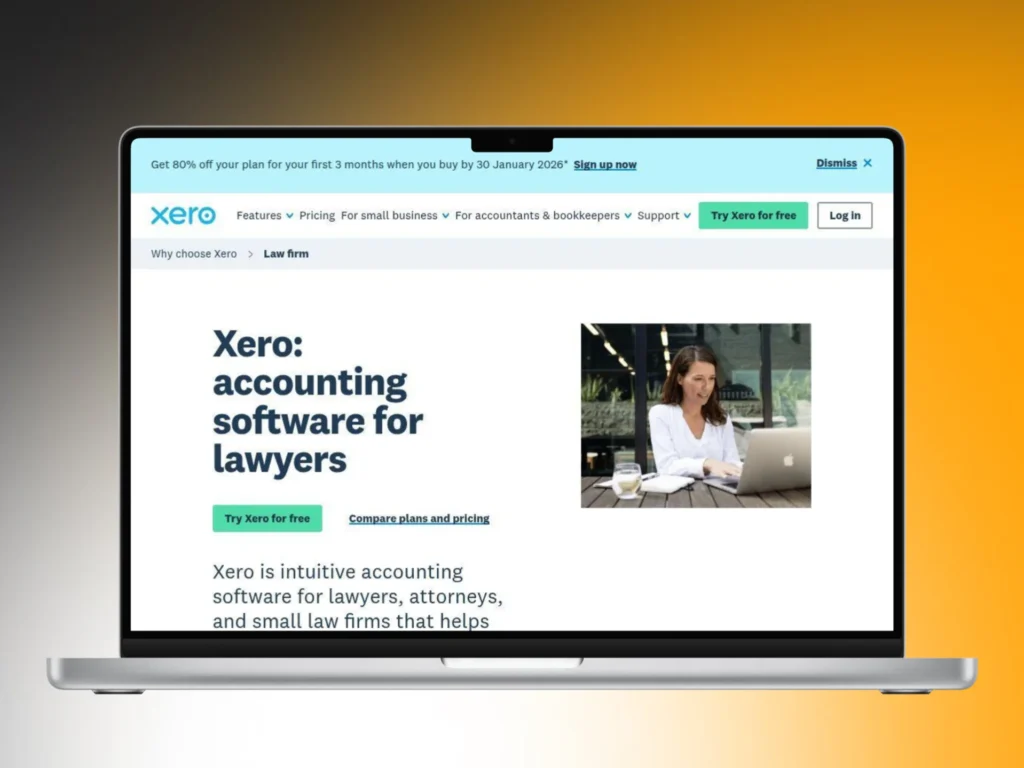
The layout feels easy to learn and use. Bank feeds update in real time, so records stay current. You review transactions quickly and spot issues early. Trust accounts stay organized with proper setup, which helps you handle client funds with care and confidence.
Reports load fast and stay easy to read. You can check cash flow, costs, and firm health in minutes. The system suits firms that value clarity and speed. Teams that prefer a simple, modern design benefit most from this setup.
4. LEAP for Law Firm Accounting
LEAP works well for law firms that want legal work and accounting together. You manage cases, time, billing, and trust accounts in one system. This reduces tool switching and keeps daily work organized and smooth.

Trust accounting stays clear and compliant at all times. Client money remains separate from firm funds. You can check balances by client or matter easily, which helps you avoid mistakes and meet trust rules.
Billing connects directly to time and matters. You enter work once and create invoices quickly. Reports stay clean and audit-ready. LEAP fits firms that want strong control without using multiple platforms.
5. Smokeball for Legal Billing and Accounting
Smokeball focuses on automation to save time. It tracks work in the background while you handle legal tasks. This helps capture more billable hours without extra effort. Trust records stay organized and easy to review. Every transaction links to a matter, keeping client funds clear and separate. You always know where money stands, which supports compliance.
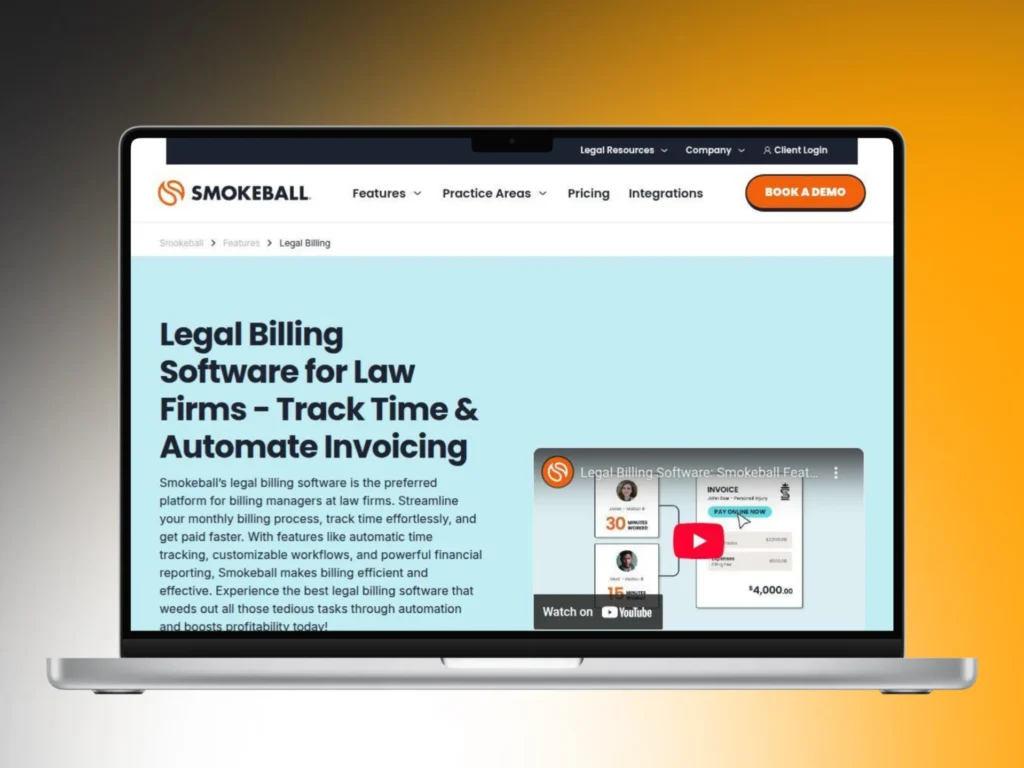
Billing becomes fast and accurate. Invoices build from real activity and tracked time. Reports show firm performance clearly. Smokeball suits small and mid-size firms that want speed, accuracy, and less manual work.
Final Thoughts
Good accounting software keeps your law firm safe and steady. Lawyers rely on it to protect trust funds, track every dollar, and keep records clear. You reduce risk, stay ready for audits, and avoid stress when rules or reviews come up without warning.
Trust protection matters every day. The right software keeps client money separate from firm funds at all times. You see balances clearly and catch issues early. You avoid costly mistakes, ethics trouble, and long fixes that drain time and focus.
Time savings matter just as much as safety. Strong tools cut manual work and link billing, time, and reports. You need to spend fewer hours fixing numbers. You gain more time for clients while books stay clean, accurate, and easy to review.
Firm size should guide your choice. Solo lawyers need simple tools. Larger firms need tighter controls. You should pick software that fits your real needs today. You prevent future problems by choosing wisely now and building habits that support long-term growth.


Post a comment